
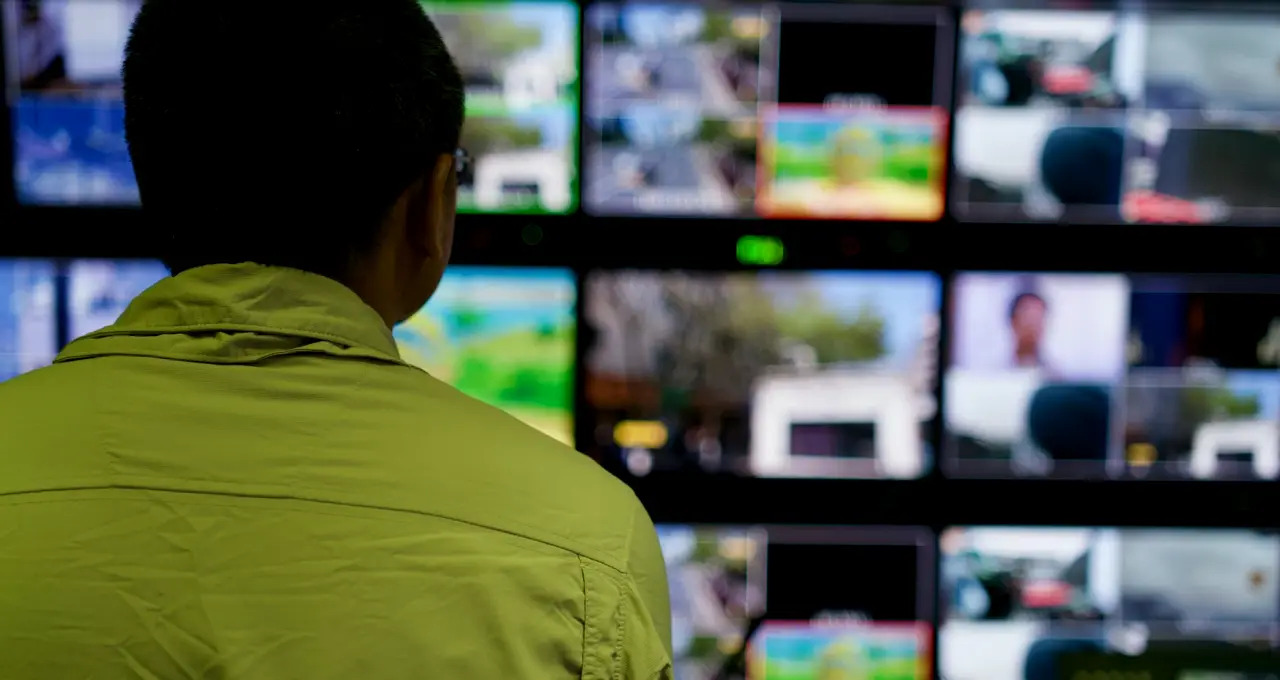
Starting with the operators, not the equipment
When a production team asks us to look at remote camera control, I rarely begin with a product list. I begin by sitting in the gallery during a rehearsal or a live bulletin and watching who touches what. The question is how many shots the show really needs, how quickly they change, and who is free to move a camera while another person cuts the programme.
That observation shapes everything after it. A two-presenter morning programme with four fixed positions asks for something quite different from a talk show with roaming moves and a guest sofa. We write down the shot list as the director actually calls it, in the director's own words, because those words become the preset names later.
I also ask where the operator sits and what they can see. A control panel that is excellent on paper but sits behind a glare on the vision mixer monitors will be misused within a week. Mid autumn is a good time for this work, since many teams are planning refits before the busy winter schedule.
- Shot list as the director calls it
- Number of operators and their seating
- Rehearsal and live conditions observed first-hand
Turning the shot list into a control plan
From the observations I draw a plain one-page plan: each camera, its head type, its lens range, the protocol it will speak and the panel or software that controls it. We keep it deliberately simple, because the people who read it include the technical director, the facilities manager and sometimes a procurement officer who has never stood in a gallery.
The plan also states what is shared and what is not. If one operator is to handle three heads from a single panel, we say so and check that the moves they must make at the same moment are not clashing. Where two cameras must never be moved together, we mark it.
Only once this page is agreed do we talk about specific models. By then the team knows what they need the system to do, so the conversation about price and features stays tied to the shots on the list.
- Each camera with head, lens and protocol
- Shared and exclusive panel assignments
- Model selection only after the plan is agreed
Cabling and network checks before anything is mounted
Many problems with remote heads are not problems with the heads. They are long cable runs, a switch that was shared with the graphics network, or a power supply that sags when a pan-and-tilt unit starts moving. We walk the routes physically, with a tape and a torch, and note the distance, the conduit and any point where signal and power run side by side.
Where control travels over an IP network, we ask for a separate segment or at least a clearly reserved set of addresses. Priya usually reviews this part with the facilities engineer, so that the addressing scheme is written down in a form the next person can follow.
We test one head on a bench with the chosen panel before anything is fixed to a wall or a ceiling grid. It costs an afternoon and has more than once saved a day of working at height.
- Physical walk of every cable route
- Control traffic kept on its own network segment
- Bench test of one head before installation
Presets, speeds and the settings nobody notices
Presets are the part operators judge us on. A preset that lands a few degrees off, or arrives too quickly, makes a presenter look startled. So we set movement speeds in the room, with a person standing where the talent will stand, and adjust until the move looks natural on the monitor rather than only correct on the numbers.
We name every preset with the wording the director uses, store the full set on the panel and keep a written copy. Daniel often joins here, since lighting positions and camera positions affect each other, and a move that crosses a light stand needs a different path.
Exposure and colour matching between cameras is checked at the same sitting. It is tempting to treat this as a separate job, but operators will fix a mismatch by hand during the programme if we leave it, and that takes their attention away from the shot.
- Speeds set with a person standing in position
- Preset names taken from the director's calls
- Colour and exposure matched at the same visit
Handover: what the operators actually receive
A system is not finished when it works for us. It is finished when the regular crew can run it without a call to us. At handover we sit with each operator at their own seat and have them recall every preset, recover from a lost connection and switch to a manual move when a preset is not suitable.
We leave a short written guide in plain language: how to start the system, how to restore presets, what the indicator lights mean and who to ring internally first. It is deliberately short enough to be pinned beside the panel.
We also list the settings that must not be changed casually, with the reason beside each. People are more likely to leave a setting alone when they know what it protects.
- Each operator recalls and recovers at their own seat
- One short guide kept beside the panel
- Protected settings listed with reasons
What we look at again after a few weeks
The first live programmes always teach us something. If the team agrees, we ask a few weeks later which presets are used constantly and which have been ignored. Unused presets usually point to a shot that was planned for a format that changed, and removing them makes the panel faster to read.
We also ask whether any operator has found a workaround. Workarounds are honest feedback: they show where the original plan did not fit the way the crew actually works, and they are far cheaper to absorb into the setup than to fight.
Where it makes sense we adjust speeds or rename presets, then update the written guide so that it still matches the room. A control setup that is never revisited slowly drifts away from the programme it was built for.
Remote camera control works best when it is specified from observation, tested on a bench, set up with people standing in the shot and handed over to operators who have used every function themselves. None of these steps is complicated, but each is easy to skip when a schedule is tight. If your team is planning a refit this season, the first useful task is simply to write down the shots you call and who calls them.